What's New? Let's Toggle!
We know how it goes — you're browsing a Stock Item in Enquiry Mode and suddenly realise you need to make a change. Previously that meant navigating away and finding the record all over again. Not anymore!
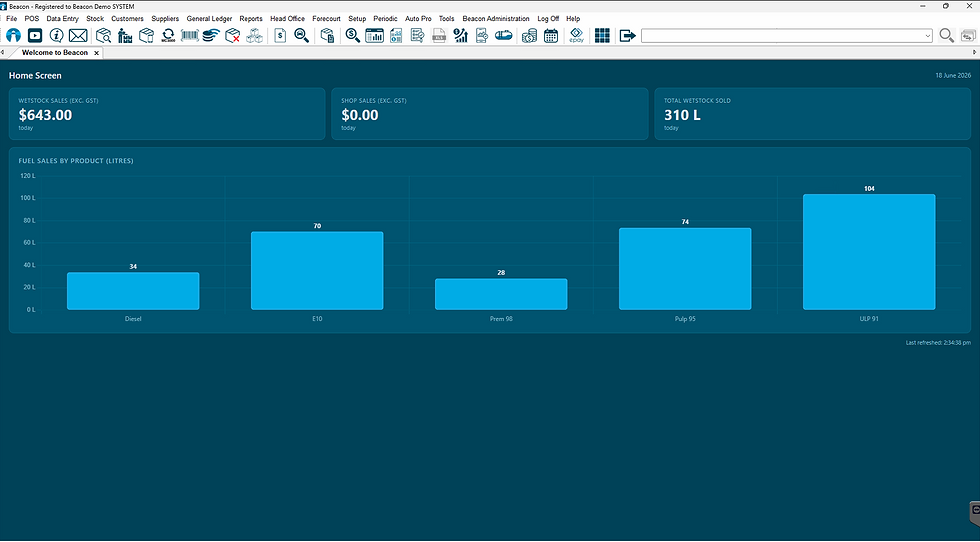
Say hello to the new Toggle Icon, sitting neatly in the top right corner of Beacon. With a single click, it instantly swaps you between Enquiry Mode and Change Mode for the record you already have open. Quick, seamless, and no fuss!
It works across a range of areas in Beacon, including:
Stock Items
Stock Groups
Stock Subgroups
Customers
Suppliers
Just keep in mind — the Toggle Icon will only light up when you have an Enquiry or Change tab open, and switching to Change Mode is subject to your user permissions. So if the icon isn't clickable, have a chat with your administrator!
Check out the top right of your Beacon to try out this feature now!